
-
Enterprise Incident Management Software
.png "G2 - High Performer - Summer 2025")
.png "G2 - Fastest Implementation - Summer 2025")
.png "G2 - Best ROI - Summer 2025")



.png "G2 - Momentum Leader - Summer 2025")
.png "G2 - Users Love Us")
What is Enterprise Incident Management Software?
Enterprise incident management software helps organizations detect critical events and notify the right responder immediately. The software routes alerts automatically based on on-call schedules and escalation rules. It centralizes alert delivery, acknowledgment, and communication so teams can act fast. It removes manual steps, reduces delays, and ensures that every critical issue reaches the correct person. Tools like OnPage provide reliable, traceable alerting that keeps enterprise systems and services running without disruption.

The IT Infrastructure Library (ITIL) Separates Incident Management Into the Following Categories:
The IT Infrastructure Library (ITIL) describes incident management as a simple sequence of steps that help teams restore service quickly. The process begins when a team logs the incident and records what happened. The next step is to prioritize the issue based on urgency and impact. Once the priority is set, responders diagnose the problem to understand why the service is failing. If the issue requires more expertise or a different team, responders escalate it. They continue investigating until they identify the cause and apply the fix. The process ends when the team confirms the service is restored and formally closes the incident.
Enterprise tools like OnPage support every stage by delivering critical alerts immediately, routing issues to the right on-call responder, and creating a reliable record of acknowledgments and actions. This helps teams follow the ITIL process with fewer delays and faster resolution times.

How Incident Management Software Helps Modern IT Teams
Incident management software ensures that every high-priority issue gets the right attention at the right time. When incidents go unnoticed, they can disrupt operations, affect customers, and weaken business performance. Modern IMS platforms prevent this by detecting issues quickly, routing alerts to the correct on-call responder, and creating a clear record of actions taken. This supports faster response, accurate reporting, and better long-term prevention.
Purpose of Incident Management Software
The purpose of incident management software is to give organizations a reliable way to respond to critical issues before they escalate. Today’s environments run on distributed systems, cloud applications, remote work, and 24/7 digital services—so delays carry real cost. According to recent industry data, the average cost of downtime can exceed $9,000 per minute, making speed and accuracy essential.
IMS platforms help teams detect incidents automatically, notify the right responder, and enforce escalation rules when acknowledgment is delayed. This reduces MTTA and MTTR, prevents incidents from turning into emergencies, and gives IT teams a consistent workflow for managing high-impact issues.
Who Uses Incident Management Software?
Incident management software is used by IT operations, SRE and DevOps teams, MSPs, NOCs, help desks, and engineering groups responsible for system uptime. These teams rely on IMS to route alerts, manage after-hours coverage, improve ticket-handling workflows, and ensure that urgent requests reach the right expert without manual intervention.
Effective software also helps organizations automate monitoring-to-response workflows, update SLAs in real time, and centralize all incident activity in one place.
Incident Management Software and SLAs
SLAs define how quickly teams must respond to and resolve issues. IMS platforms help teams meet SLAs by tracking when alerts are delivered, when they are acknowledged, and how long it takes to resolve the issue. A missed SLA is itself a critical event, and many IMS tools can trigger new alerts or escalate existing ones when timelines are at risk. This ensures teams stay accountable and prevents SLA breaches from going unnoticed.
Essential Components of Effective Incident Management Software
Effective IMS platforms start with a clear, defined process before an incident occurs. The system must support fast detection, real-time alerting, automated escalation, and secure team communication. After the issue is resolved, the platform should provide an audit trail, reporting, and a post-incident review to help teams learn from the event and prevent recurrence.
Tools like OnPage bring all of these pieces together, helping IT and engineering teams reduce downtime, improve reliability, and respond to incidents with confidence.
Process
Incident management software doesn’t simply start and end with just the technology. Rather, for the technology to do its job and ensure a rapid detection and response to incidents, teams need to develop a process for how they will become apprised of incidents, who will be responsible for resolving the incident and what happens once the incident is resolved. Without strong choreography, incident management software will be a wasted investment.
These formal processes do take time for teams to develop but once in place ensure that better outcomes will result for IT, users and management.
Ticketing – IMS needs a method through which it can create tickets. Tickets are at the core of successfully creating and managing incidents. Without the ability to create tickets and establish a timeline of events, incident management will quickly become a chaotic endeavor.

Prioritization
Incident prioritization is important for achieving SLAs. An incident’s priority is determined by the significance of its impact on users and on the business and its urgency.
Escalation Policy – An escalation policy makes sure that if an incident ticket is not acknowledged by the on-call engineer, it will be escalated to the next person in the on-call line-up. Escalation policies ensure that a ticket is attended to and managed effectively. This ensures customer and internal incidents are not dropped.
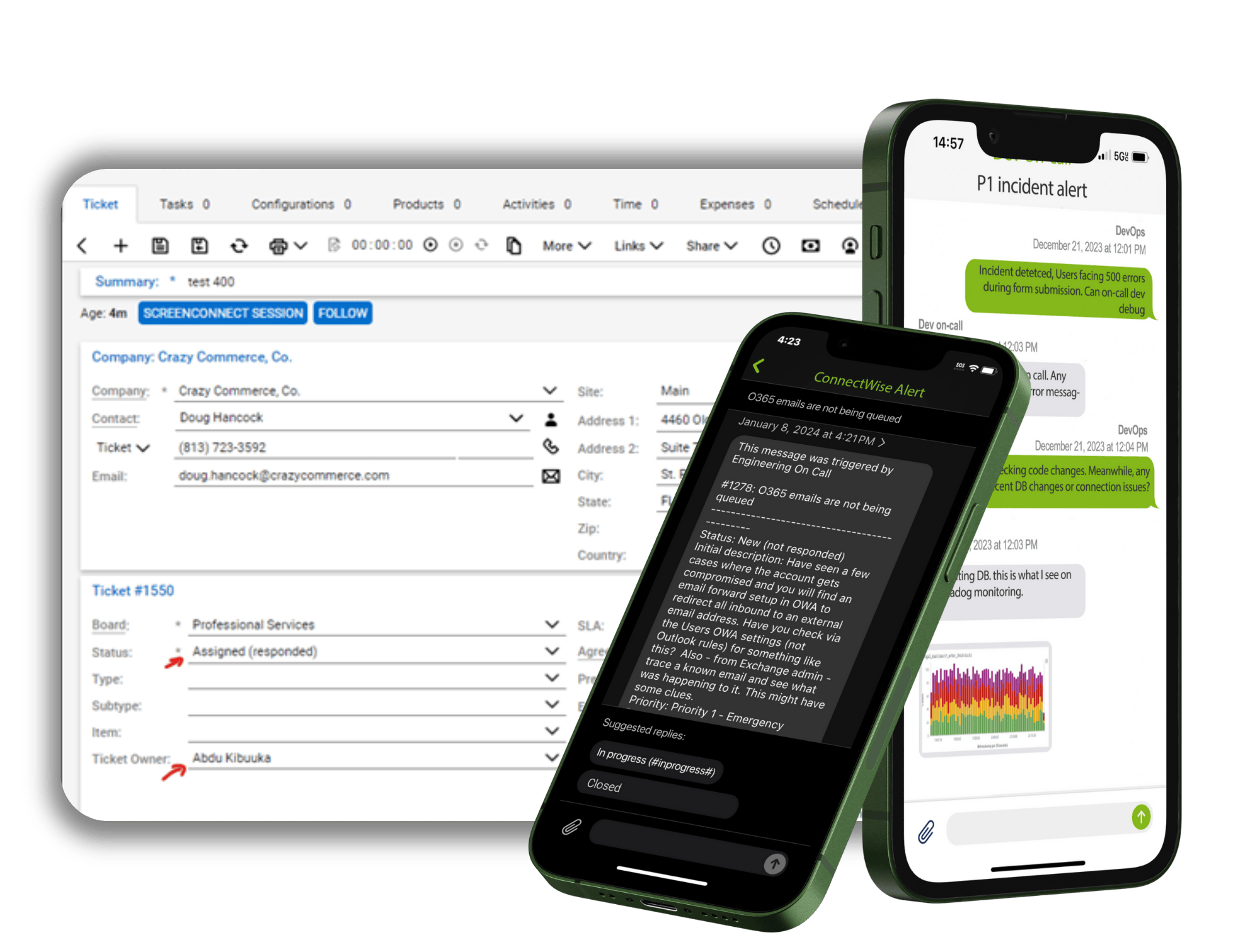
Alerting – Alerting is an important integration for incident management software as it ensures that when a high-priority ticket is created, the ticket is not ignored by the on-call team. Typically, when tickets are created they are designed to automatically send an email to the right on-call team. However, if the incident is a high-priority issue then sending an email is not ideal as email can easily bury the incident under low-priority emails.
For most organizations, the process of installing an incident Alert management software platform enables organizations to move from emailing back and forth to a formal ticketing system with alerting based on priorities of the incident.
Ticket Updates – Effective incident alert management software also requires the ability to update any ticket that it creates. Without this capability, a manager seeing the ticket will not be able to view the ticket status or know who the ticket was assigned to.

Post-Mortem
IMS not only updates incidents as they are happening, they also aggregate data along the way that can be used after the incident is resolved to improve processes going forward. This data is often used in a post-mortem to further define SLAs or review existing processes.
Incident management software provides visibility of incident management and makes it simple for management to rely on numbers instead of suppositions.

Why IMS is Important for IT Teams
As the goal of an IMS platform is ensuring that the help or service desk of IT and managed service teams achieve their maximum efficiency, it is important for them to have access to an IMS platform that enables them to prioritize and resolve tickets.
IMS Systems Benefits the Organization as a Whole Because They Enable:
- Maintenance of more continuous service levels
- Meeting requirements for IT service availability
- Higher efficiency and productivity throughout the organization
- Better end user satisfaction
- Documentation of IT service management value to the enterprise
-
-
Best enterprise incident management solutions?
The best enterprise incident management solutions are platforms that help large organizations detect critical events quickly, route alerts to the right on-call teams, and support fast resolution with reliable communication workflows. These solutions include tools that centralize real-time alerting, on-call scheduling, escalation rules, and audit trails so operations teams can reduce downtime and meet SLAs. Enterprise solutions also integrate with monitoring, ticketing, and ITSM tools to provide a unified response flow across distributed teams. Platforms like OnPage, PagerDuty and Opsgenie are commonly used because they help enterprises coordinate responders, automate escalation, and maintain service reliability.
-